 moss image
Moss Image — Create with Words, Text and Layouts
Make room for your next visual idea with Moss Image. Generate posters with Chinese and English lettering, compose scenes through layout prompts and explore illustration or photography. Start with Moss Image SFT below, then continue your work with the included image, video, design and office tools.
Image workspace
示例图片
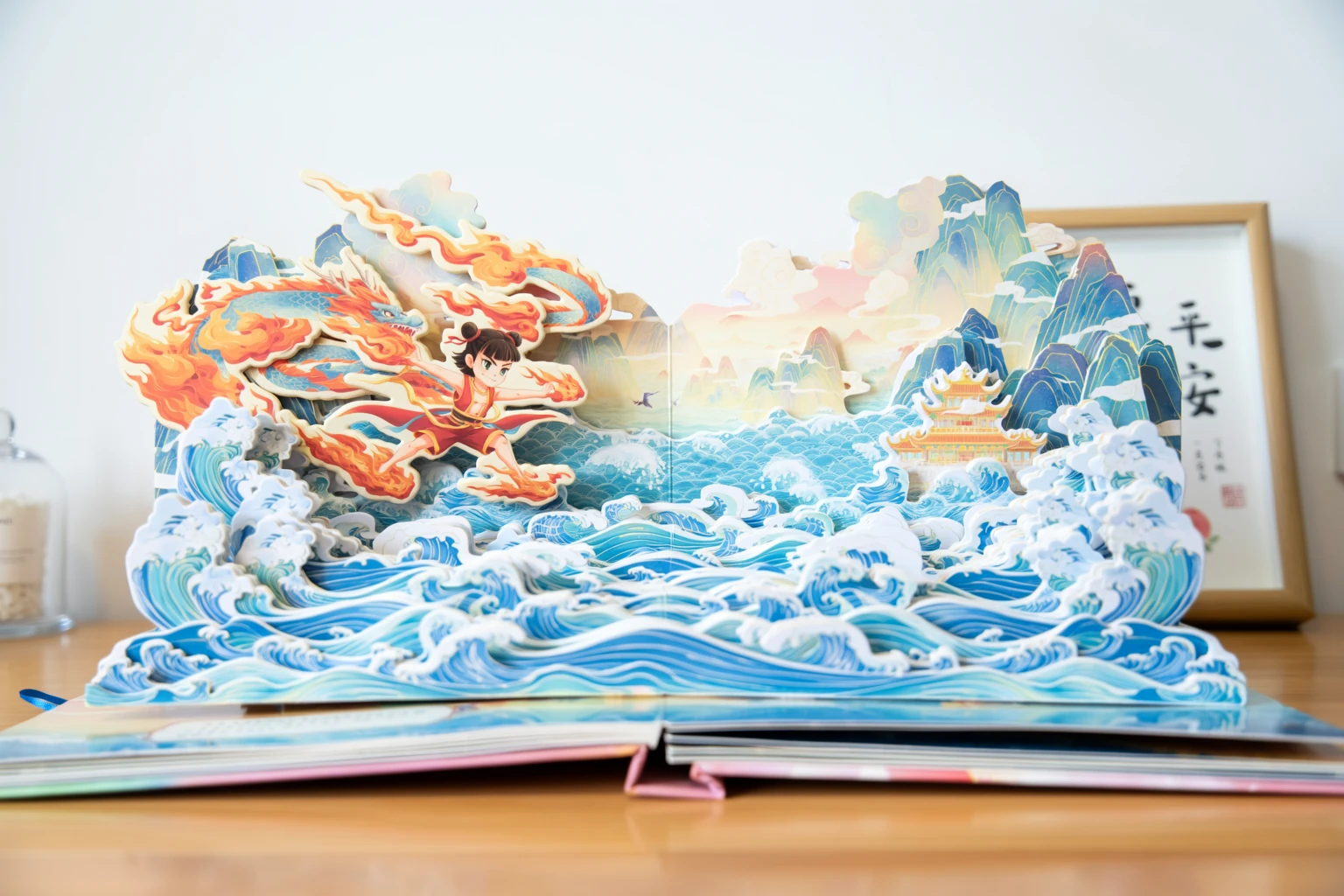 1 / 38
Official OpenMOSS Base sample. Reuse the prompt with the selected model; results and sampling settings differ.
简介
Meet Moss Image, the OpenMOSS Image Model
Moss Image brings written descriptions and structured composition into the same generation workflow. Explore an open model family designed for lettering, illustration, photography and graphics with several distinct elements.
a compact generator with room for detail
Moss Image uses a five-billion-parameter diffusion backbone with a language encoder that interprets a detailed visual brief. Describe the subject, setting, materials and intended reading order together.
choose the checkpoint you actually use
The model family supports English and Chinese lettering as part of the picture, making it useful for fictional notices, classroom scenes and poster concepts. This workspace runs the SFT version through fal.
Moss Image: published examples and model identity
Moss Image Base is the original foundation; SFT adds supervised fine-tuning on curated data while keeping the shared generation interface. Official showcase pictures below identify their Base origin, so you can distinguish published examples from results made here.
Official OpenMOSS Base examples; this workspace uses SFT through fal. The overview video presents still examples, not generated motion. Model source · Prompt guide · Video introduction
使用方法
How to Create with Moss Image
- STEP 1
Describe your Moss Image idea
Choose text-to-image and write the subject, scene and visual style. Put any visible wording in quotation marks. For a poster, explain the title hierarchy and where the main illustration belongs. You can also load a published example and adapt its prompt.
- STEP 2
Set the canvas and composition
Select a ratio and longest-edge preset, or enter supported custom dimensions. If you use a JSON layout, keep its coordinates consistent with the canvas. Moss Image prompt expansion can help develop a short brief; turn it off for a layout you already prepared.
- STEP 3
Review the Moss Image quote
Choose one to four pictures and your output format. Advanced controls include steps, guidance, a random or fixed seed, and a negative prompt. Check the displayed credits, sign in and submit when the inputs describe the result you want.
- STEP 4
Inspect and continue creating
Open the result and read every important word. Compare the subject, object positions and crop with your brief. Download a useful picture, revise the prompt for another attempt, or take your Moss Image asset into the included photo, design and document tools.
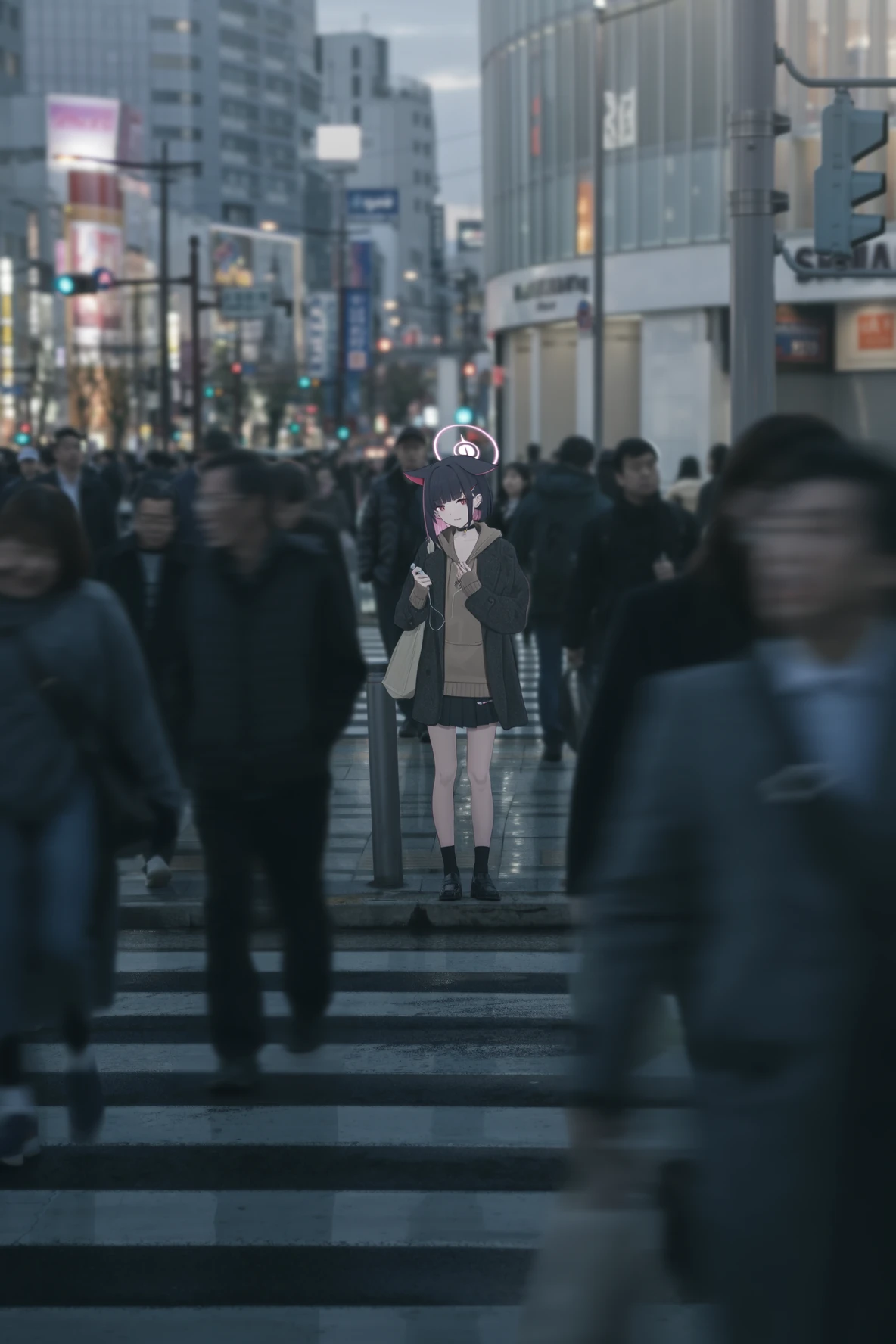
功能
Put English and Chinese Words into Moss Image Pictures
Use Moss Image to connect wording with the scene around it. A headline on a poster, handwriting on a note and print on a textbook each need different visual instructions.
write the visible text explicitly
Place the exact phrase inside quotation marks, then describe its material, color, size and location. Moss Image can work with a short English headline beside Chinese supporting copy.
give letters a physical setting
Specify line breaks when the division matters, particularly for signs and narrow labels. Keep product names and dates easy to inspect. Handwriting on a chalkboard should respond to its perspective and surface, while a clean poster can use regular typography and larger margins.
Moss Image: lettering in the finished design
Tell Moss Image which treatment belongs in your scene. Compare the finished wording with your requested text, including punctuation, repeated characters and missing lines.
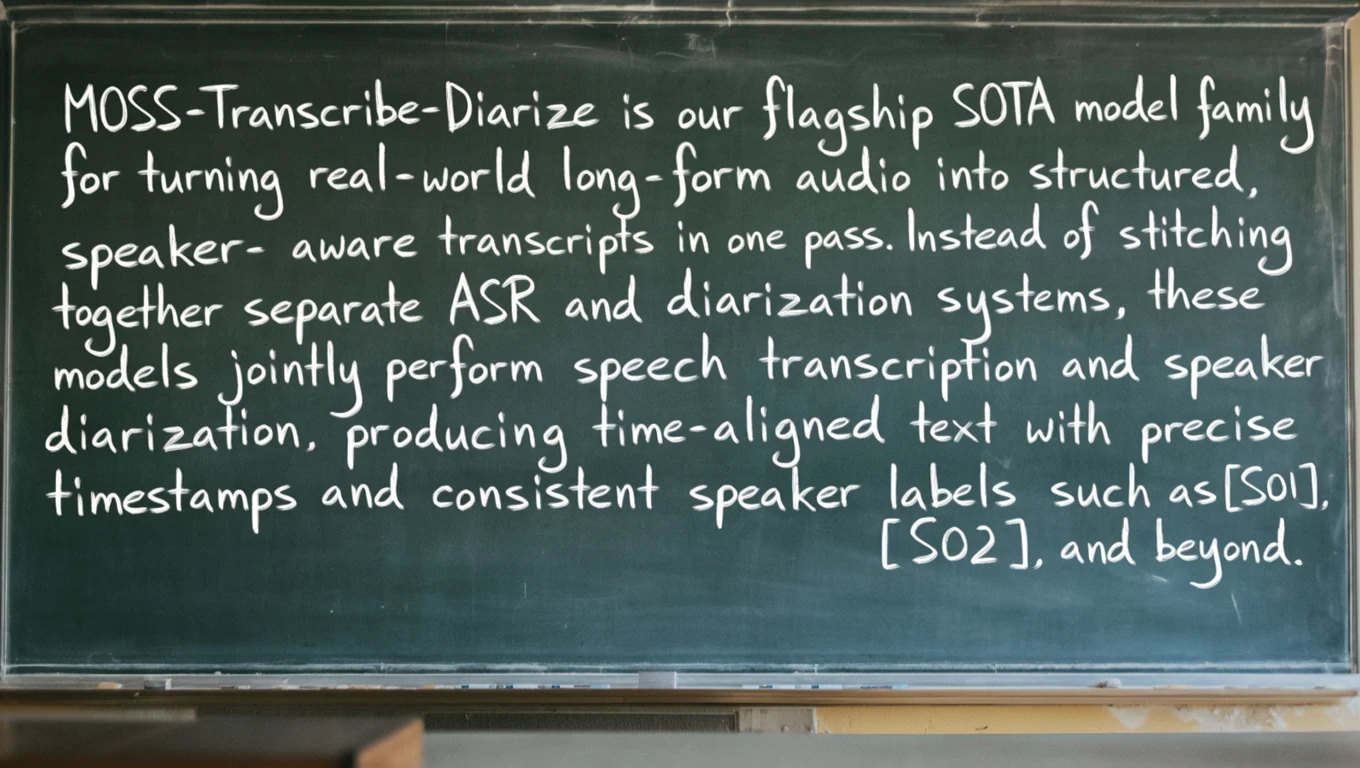
Compose with Moss Image Layout Prompts
A layout prompt describes the overall scene and individual elements together. Moss Image accepts structured JSON so a title, illustration and smaller text block can each receive a planned position.
arrange the important elements first
Start with a clear hierarchy: one main title, one visual subject and a supporting line. A common Moss Image layout uses a summary plus an items array, with descriptions and bounding boxes for text and objects.
keep composition editable in your brief
In the documented centered coordinate format, boxes use vertical and horizontal limits measured from the canvas center. Change an element description, its wording or its box, then generate a new picture from that specification. Moss Image layout control guides synthesis; it does not lock pixels from a previous image.
Moss Image: a brief that preserves your intent
Turn off prompt expansion when you already have a complete JSON layout. For a short natural-language idea, expansion can instead plan a structured composition.
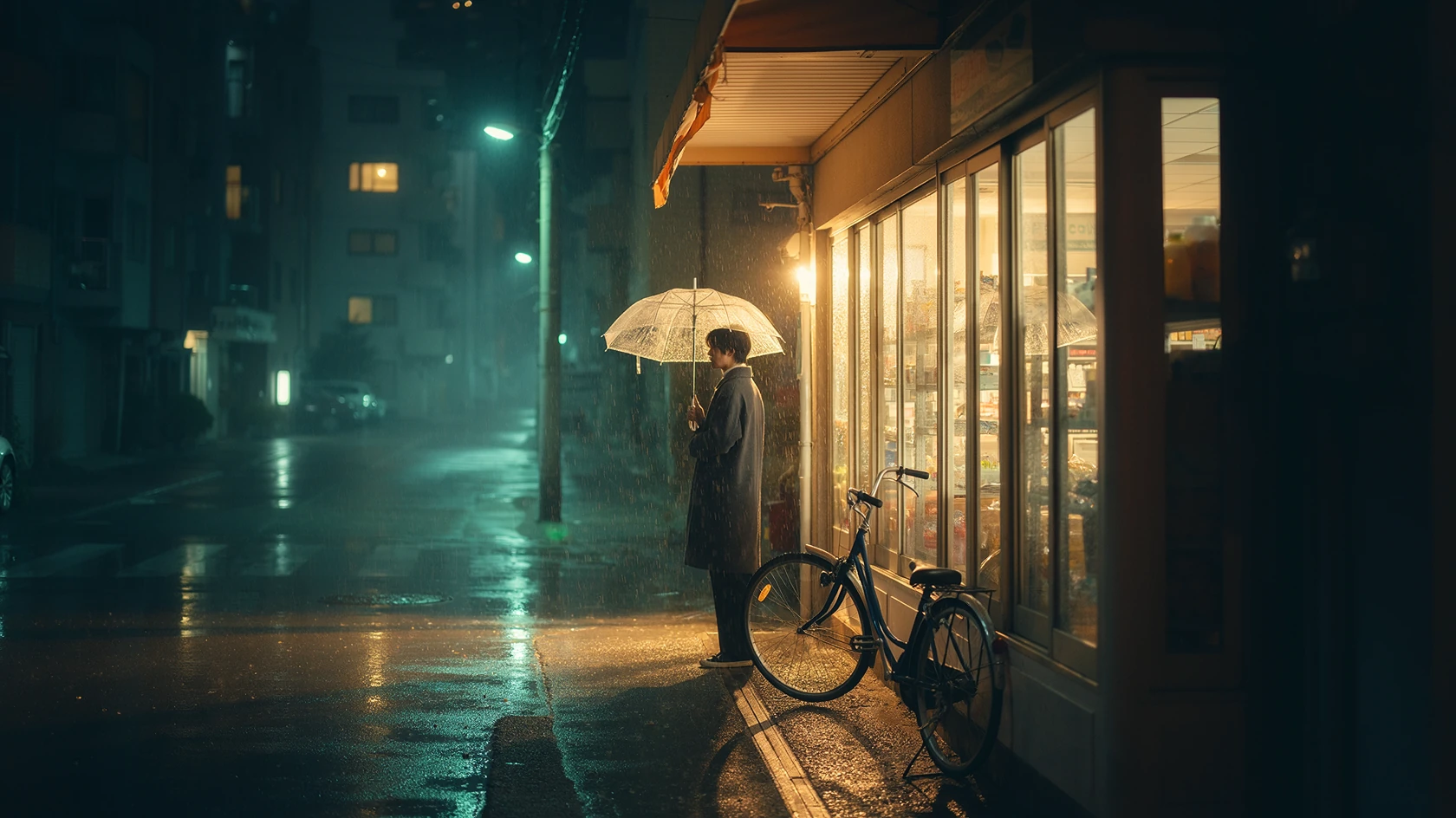
Explore Moss Image across Illustration and Photography
Typography is only one part of the model. Moss Image also responds to descriptions of paper sculpture, drawn characters, everyday photography and cinematic environments, giving your brief several useful visual directions.
Moss Image: describe material rather than decoration
For a paper-cut scene, explain the folded layers, visible edges, depth and arrangement on a desk. Moss Image can interpret these material relationships without a long string of quality adjectives.
Moss Image: use light to establish the scene
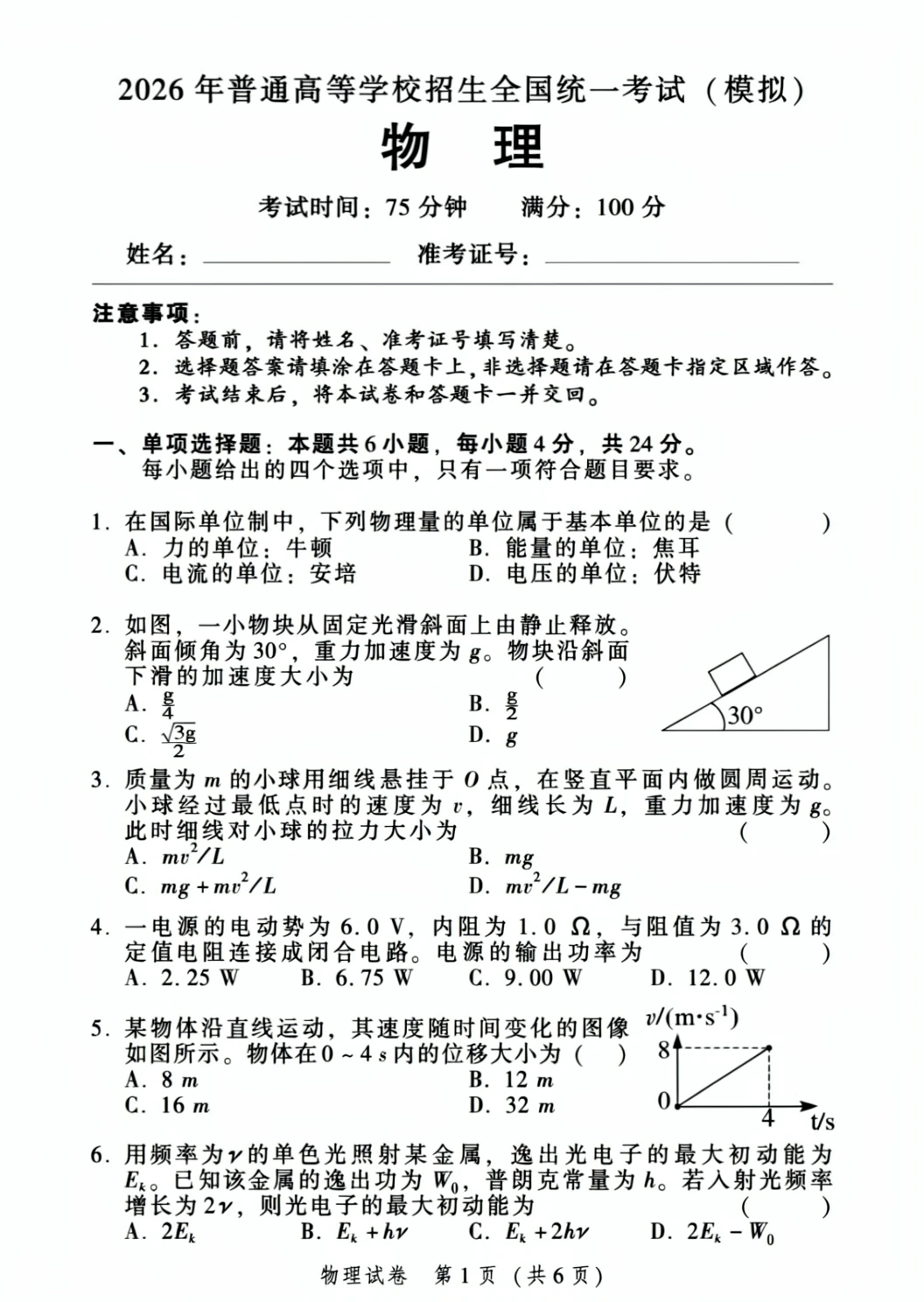
For a painted illustration, describe brush texture, palette and the scale of the subject. The official rainy-street example combines warm shop light with cooler reflections, a transparent umbrella and wet pavement. Use Moss Image to develop your own setting with similarly concrete relationships.
Moss Image: a scene with believable relationships
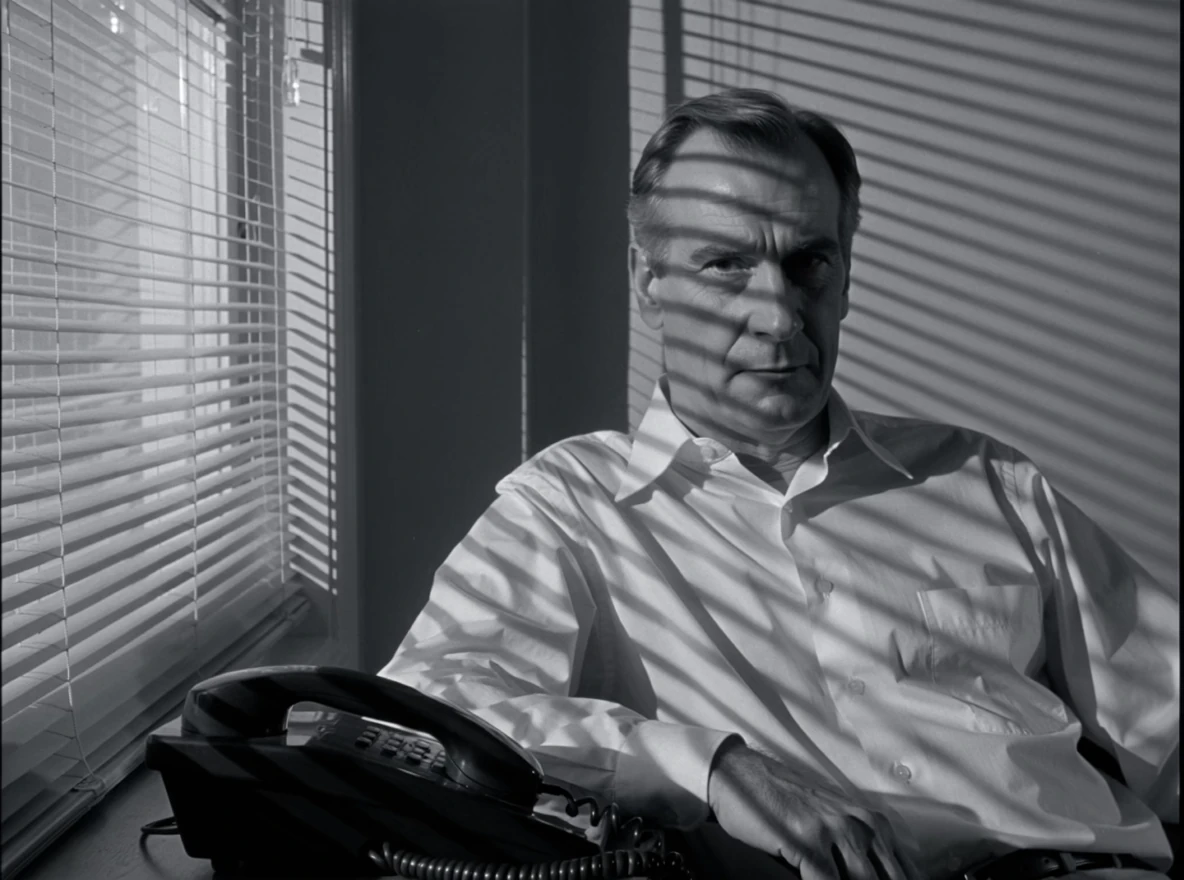
State where the light comes from and which subject it reveals. Describe the viewpoint, weather and distance between objects.
Match Moss Image Settings to the Finished Asset
Choose the shape and dimensions for the destination before submitting. Moss Image here supports one to four outputs, selectable formats and advanced sampling controls, with the quote shown beside the generation action.
Choose dimensions with an actual purpose
The 1K, 1.5K and 2K presets describe the longest edge; the selected ratio determines the other edge. Moss Image also accepts custom dimensions from 512 to 2048 pixels on each side, aligned to multiples of sixteen. A square graphic and a wide banner therefore have different pixel areas even with the same preset label.
Understand what changes the credit quote
Layout coordinates should use those actual dimensions rather than an assumed square canvas. The published fal rate is five cents per million output pixels. Moss Image generation converts that amount at one cent per credit, rounds up for each picture, then multiplies by the output count.
Moss Image: sampling controls and output choices
Steps, guidance, seed and output format do not add a separate charge in this pricing rule. The interface and server share the calculation. Review the displayed total before submitting; subscription and credit-pack purchase prices remain visible in the pricing dialog.
Take a Moss Image Concept into Your Creative Workflow
Use the generated picture as one asset within a larger project. Moss Image can supply a first illustration, a typographic composition or a visual direction that you continue in the included creative tools.
Move from an example to your own brief
The example gallery includes published images with their full prompts and source-model labels. Load a prompt into Moss Image, change its subject or wording, and choose supported settings for your own request. Loading an example only prepares the workspace.
Keep creation and later editing clear
It does not submit a generation. For detailed layout examples, preserve the corresponding dimensions and disable expansion before editing positions, so the composition remains understandable as you develop it. Moss Image SFT in this workspace takes text and produces images. It does not accept a reference photograph for editing, and it does not generate video.
Moss Image: the next step for your asset
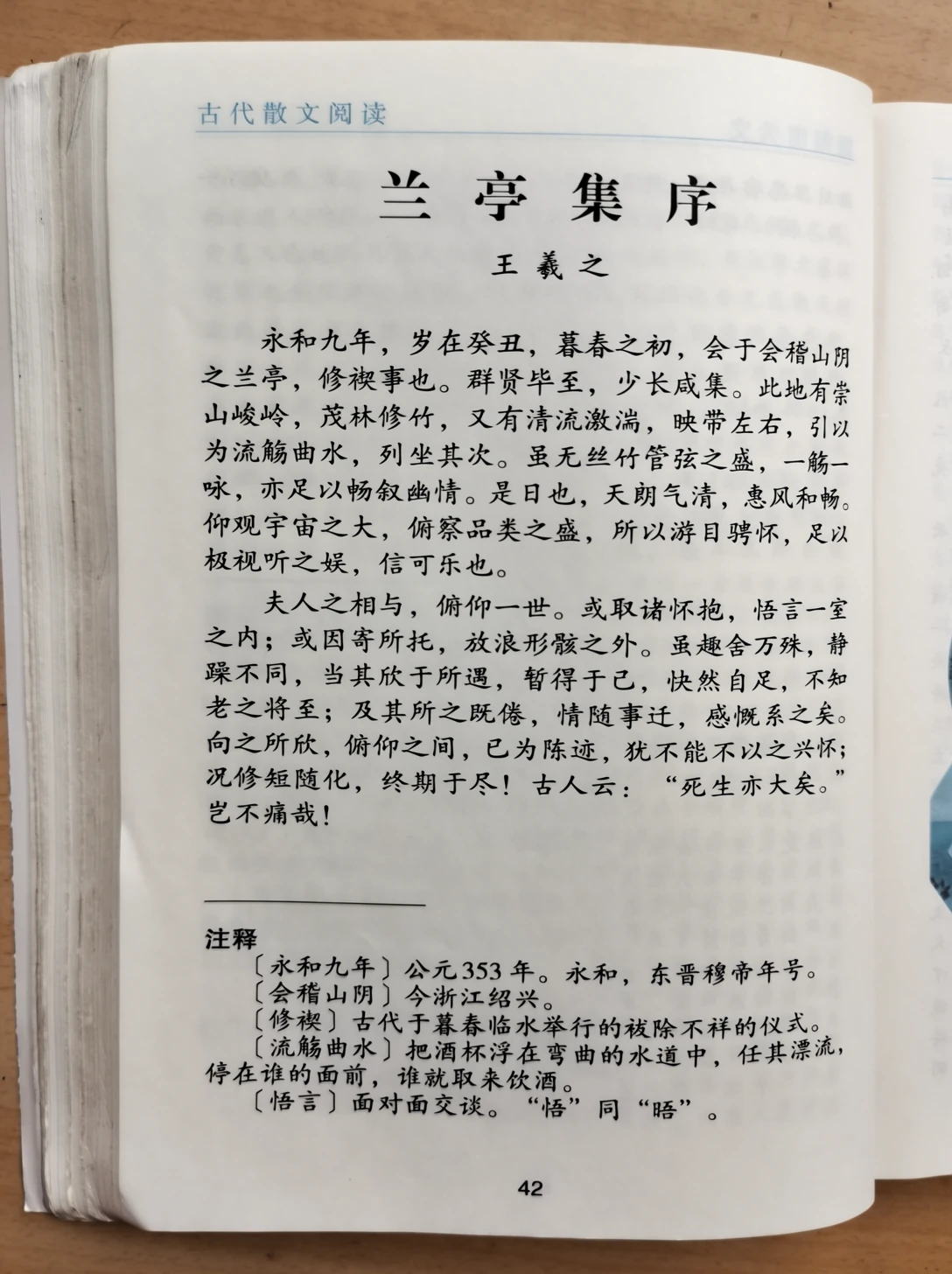
Other model selections and the included creative editors support separate tasks. After generation, open a result in the appropriate tool to add approved lettering, assemble a document or prepare a video reference. Each new AI request shows its own supported inputs and credits.
Example prompts
Bilingual coffee poster
A clean cream-and-emerald coffee poster with a ceramic cup in the lower half. At the top, large dark green text reads "MORNING RITUAL". Below it, smaller Chinese text reads "把清晨留给自己". Generous margins, clear typography and soft window light.
Paper sculpture story
An open pop-up book on a wooden desk, revealing a layered paper ocean with turquoise waves, coral-red boats and a small lighthouse. Visible folded paper edges, realistic shadows between layers, front-facing composition, soft daylight, no lettering.
用户评价
moss image 视频创作者反馈。
moss image creator reviews

我用MiniMax H3一个下午就为我的游戏制作了完整的角色宣传片。每一帧的菜单UI都清晰可读,角色也从未偏离原设定。过去这需要我外包给承包商,耗时三周。

我们测试了市面上所有AI视频生成器的风格化效果。H3是唯一能在转场中保持我们动漫风格的工具。现在每个项目的提案样片和动态分镜都靠它。

我上传了四张产品照片,当天就获得了一条带音乐和配音的上架视频。新商品页面的点击率提升了38%。H3甚至准确还原了我包装上的标签文字。

我每周要为三个品牌发布五条竖屏视频。MiniMax H3让我从需求到初稿不到一小时,声音也已同步。以前我需要一名摄像师和两轮审核。

剪辑功能最打动我。客户想更换采访背景——我在MiniMax H3中输入一句话,被摄主体的光线就自动匹配了新场景。

在正式拍摄前,我用MiniMax H3预演了整部短片。变焦、匹配剪辑、甚至标题卡——它理解导演语言,而不只是关键词。
Moss Image 价格与积分套餐
随时取消
Lite
50%折扣0.025/积分
每年计费$179· 节省$179.8
视频模型



图像模型



- 包含 Moss Image SFT 及所有高级模型
- 最多1个批量生成任务
- 标准生成速度
- 标准生成成功率
- 标准客户支持
- 商业使用许可
Standard
50%折扣0.017/积分
每年计费$299· 节省$299.8
视频模型
图像模型
- 包含 Moss Image SFT 及所有高级模型
- 最多4个批量生成任务
- 优先处理速度
- 高生成成功率
- 优先客户支持
- 商业使用许可
Pro
50%折扣0.014/积分
每年计费$599· 节省$599.8
视频模型
图像模型
- 包含 Moss Image SFT 及所有高级模型
- 最多10个批量生成任务
- 最快生成速度
- 高生成成功率
- 专属客户经理
- 商业使用许可
Max
50%折扣0.012/积分
每年计费$1,199· 节省$1,199.8
视频模型
图像模型
- 包含 Moss Image SFT 及所有高级模型
- 最多10个批量生成任务
- 最快生成速度
- 高生成成功率
- 专属客户经理
- 商业使用许可
通过以下方式安全支付




















常见问题
Frequently asked questions
What is Moss Image?
Moss Image is an open text-to-image model family developed by OpenMOSS. It supports natural-language descriptions, tag prompts and structured layouts, with particular attention to English and Chinese text inside images. This site runs SFT through fal.
Does Moss Image support Chinese lettering?
Yes. Include the Chinese wording exactly and describe its location, size and line breaks. The official examples include textbook pages and notices. Generated characters can still differ from your request, so inspect any text that matters before publishing.
Can Moss Image edit an uploaded photograph?
The integrated checkpoint is text-to-image only. Choose a separate editing model or open a creative editor for existing pictures. Changing a layout prompt generates a new composition; it does not preserve pixels from a previous result.
How much does Moss Image generation cost?
The quote uses the actual pixel area at the published five-cent-per-megapixel rate, converted at one cent per credit and rounded up per image. A 1024 by 1024 image costs six credits; four such outputs cost twenty-four credits.
Are the gallery pictures made with Moss Image SFT?
The imported official showcase records identify Base as their source model. Their prompts are available as starting points for the selected SFT endpoint, whose output can differ. Branding artwork and explanatory videos are identified separately from model-generated examples.
Does Moss Image create videos or guarantee exact text?
The current integration produces still images. The presentation video demonstrates published still examples, rather than model-generated motion. Neither lettering nor layout is guaranteed to match every instruction; check the result in its intended destination.
行动入口
Start Your Next Moss Image Composition
Bring a phrase, a scene or a layout into the workspace. Choose Moss Image SFT, set the canvas and turn a clear visual idea into an image you can inspect and develop.
Create with Moss Image