 moss image
moss image AI anime generator for original characters and imagined worlds
Turn a character idea into a scene with somewhere to go. The moss image AI anime generator lets you describe appearance, expression, costume, lighting, and environment through GPT Image 2. Begin in text mode at 3:4 and 1K, then refine the details that give your concept personality. Use the moss image AI anime generator to explore original visual directions rather than relying on a familiar character to carry the story.
Image workspace
Sample Image
 30 / 38
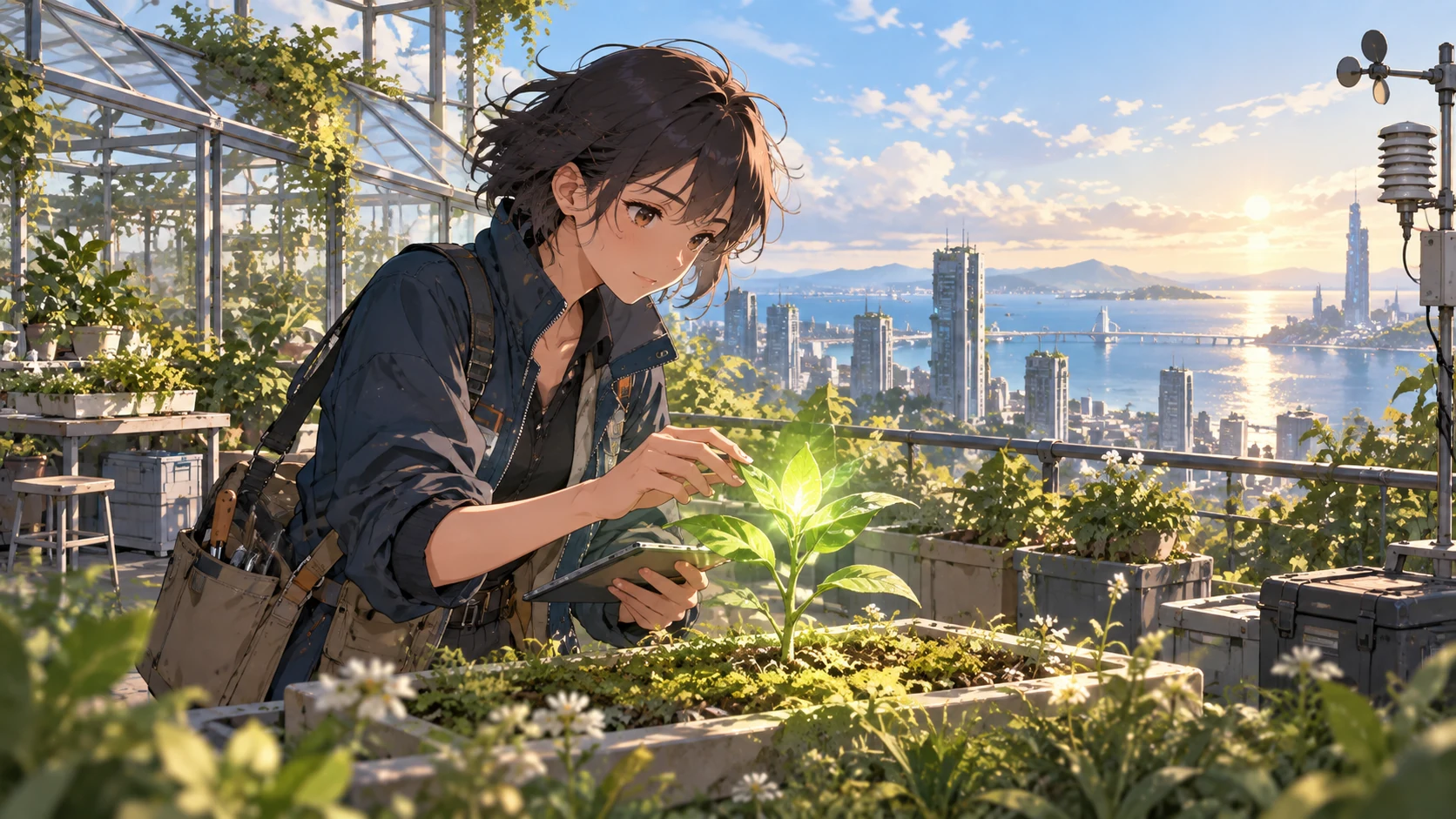
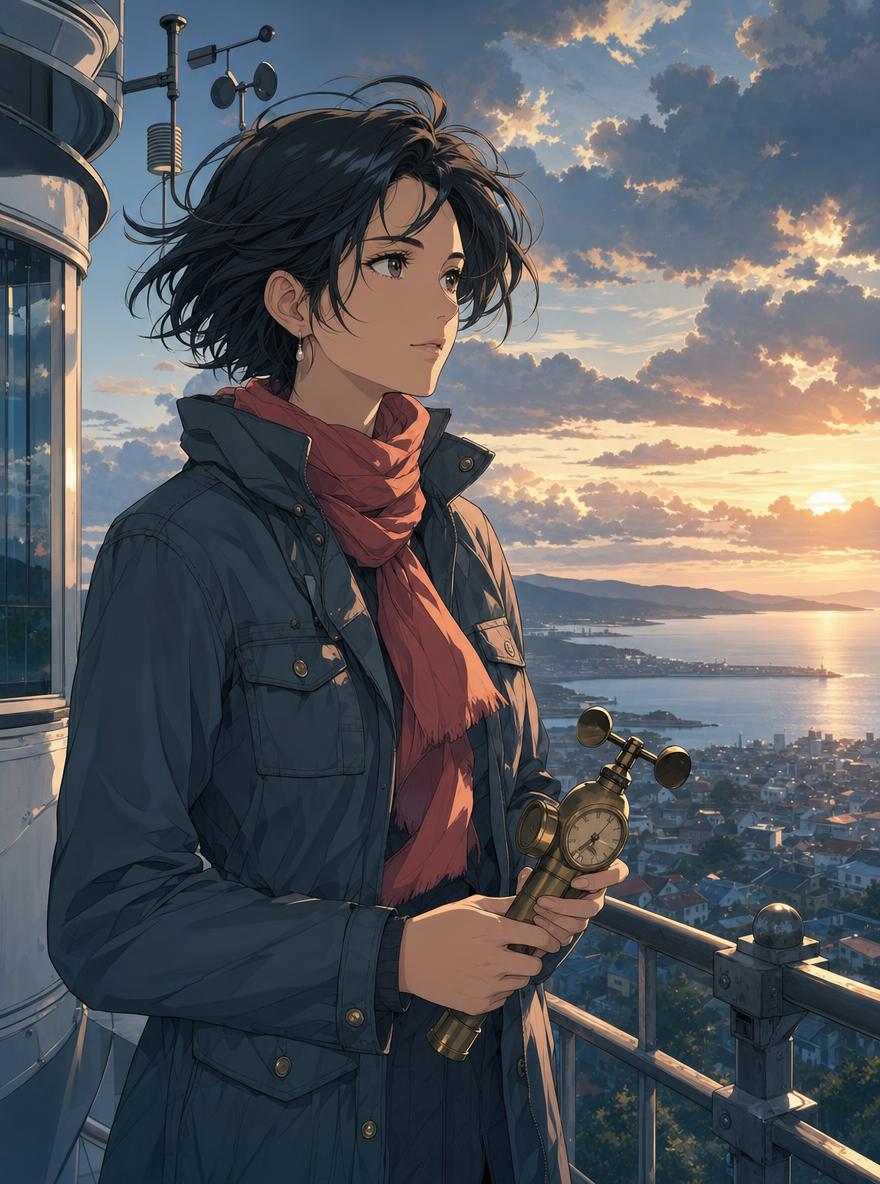
AI-generated illustration of a fictional rooftop botanist and coastal city.
Introduction
Give the moss image AI anime generator a character worth meeting
Begin with a person and a purpose, not a stack of style adjectives. The moss image AI anime generator needs a clear subject whose clothing, posture, and surroundings belong to the same imagined world.
Start with role and personality
Describe an adult rooftop botanist, a traveling instrument maker, or a weather station researcher. Give the moss image AI anime generator a role, an approximate age, and one personality cue. Curious, reserved, or determined suggests a more coherent expression than several conflicting emotions.
- Choose one defining prop rather than a collection of unrelated accessories.
- Tell the moss image AI anime generator what the character is doing, not only wearing.
Build a recognizable silhouette
A cropped jacket, broad sleeves, distinctive hairstyle, or travel satchel can establish identity before fine details appear. Ask the moss image AI anime generator for a readable outline.
Use original visual ingredients
Describe the qualities you want directly: clean linework, soft painted backgrounds, expressive eyes, or restrained cel shading. The moss image AI anime generator does not need a named franchise to receive a useful brief.
How to use
How to use the moss image AI anime generator
- PromptSTEP 1
Define your character
Select GPT Image 2 text mode in the moss image AI anime generator, then describe an original character, expression, and distinctive outfit.
- ModelGPT Image 21K3:4PromptSTEP 2
Build the scene
Give the moss image AI anime generator a setting, readable pose, and clear lighting direction, keeping background details secondary to the character.
- Detail
 STEP 3
Generate a draft
Choose framing and 1K resolution in the moss image AI anime generator, review the displayed credits, and generate your first illustrated scene.
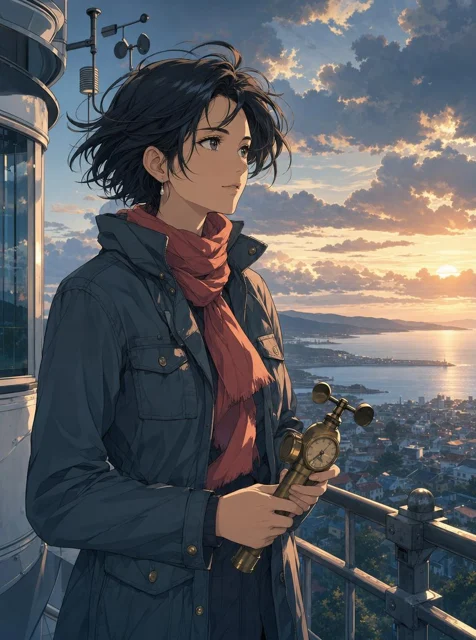
- Create an original anime illustration of an adult weather researcher on an observatory balcony above a coastal town. Short windswept dark hair, a slate field jacket, a coral scarf, and a brass handheld weather instrument. Calm, curious expression, waist-up framing, clearly drawn hands. Warm sunset rim light, a quieter cool foreground, distant clouds, and layered atmospheric depth. Clean linework with restrained cel shading and a softly painted environment. Portrait composition, no text, logos, or recognizable franchise elements.DownloadSTEP 4
Refine the details
Inspect moss image AI anime generator results for hands, facial features, costume details, and perspective; revise one weakness before downloading.
Features
Build an environment with the moss image AI anime generator
A background should explain where the character belongs. Direct the moss image AI anime generator toward a specific place, time, and activity instead of asking for an impressive setting with no relationship to the subject.
Choose a setting with a function
An observatory balcony, ferry terminal, greenhouse workshop, or quiet mountain station offers practical visual anchors. Tell the moss image AI anime generator how the character uses that place.
- Limit the scene to a few objects that support the activity.
- Ask the moss image AI anime generator to keep the character clearly separated from scenery.
Establish depth without clutter
Describe a foreground edge, a clear subject area, and a quieter distance. The moss image AI anime generator can explore layered compositions, but every layer need not carry equal detail. A distant town or cloud bank can establish scale without competing with the face.
Let weather support the mood
Choose warm evening light, bright overcast weather, or a misty morning as one coherent direction. Give the moss image AI anime generator the visible consequences: damp paving, softened mountains, or illuminated window edges. Specific observations communicate more than a long list of mood words.
Control composition in the moss image AI anime generator
Decide what viewers should notice first. The moss image AI anime generator responds to a written brief, so describe framing, pose, color emphasis, and empty space instead of leaving the entire composition unspecified.
Choose framing before detail
A 3:4 portrait frame can hold a character and enough environment to establish context. Tell the moss image AI anime generator whether you want a head-and-shoulders view, a waist-up scene, or a full figure. Each choice needs a different balance of space.
- Leave room above hair, hats, and accessories you want fully visible.
- Use the moss image AI anime generator to establish the framing before adding tiny details.
Describe a readable pose
Start with a relaxed standing pose, a seated conversation, or a simple turn toward the viewer. Ask the moss image AI anime generator for a clear gesture and visible hands when appropriate.
Give color a hierarchy
Choose a dominant palette and one accent, such as slate clothing against a warm sky with a small coral accessory. The moss image AI anime generator can explore this direction without making every surface equally bright. Let contrast guide attention toward the character's expression.
Follow a deliberate moss image AI anime generator workflow
Use each draft to answer one question about the character, setting, or composition before developing the rest.
Write a compact scene brief
Describe the subject, action, setting, framing, and light in that order. Keep essential character details ahead of decorative instructions.
- State that the character and costume should be original.
- Review your moss image AI anime generator settings before submitting the request.
Choose how much to explore
GPT Image 2 supports one to four outputs, multiple ratios, and 1K, 2K, or 4K. Use the moss image AI anime generator configuration that fits your current task. Read the credits shown before submission; do not assume that every combination has the same cost.
Make a targeted revision
Keep the strongest idea and change one weakness: a quieter background, a clearer hand, or a warmer expression.
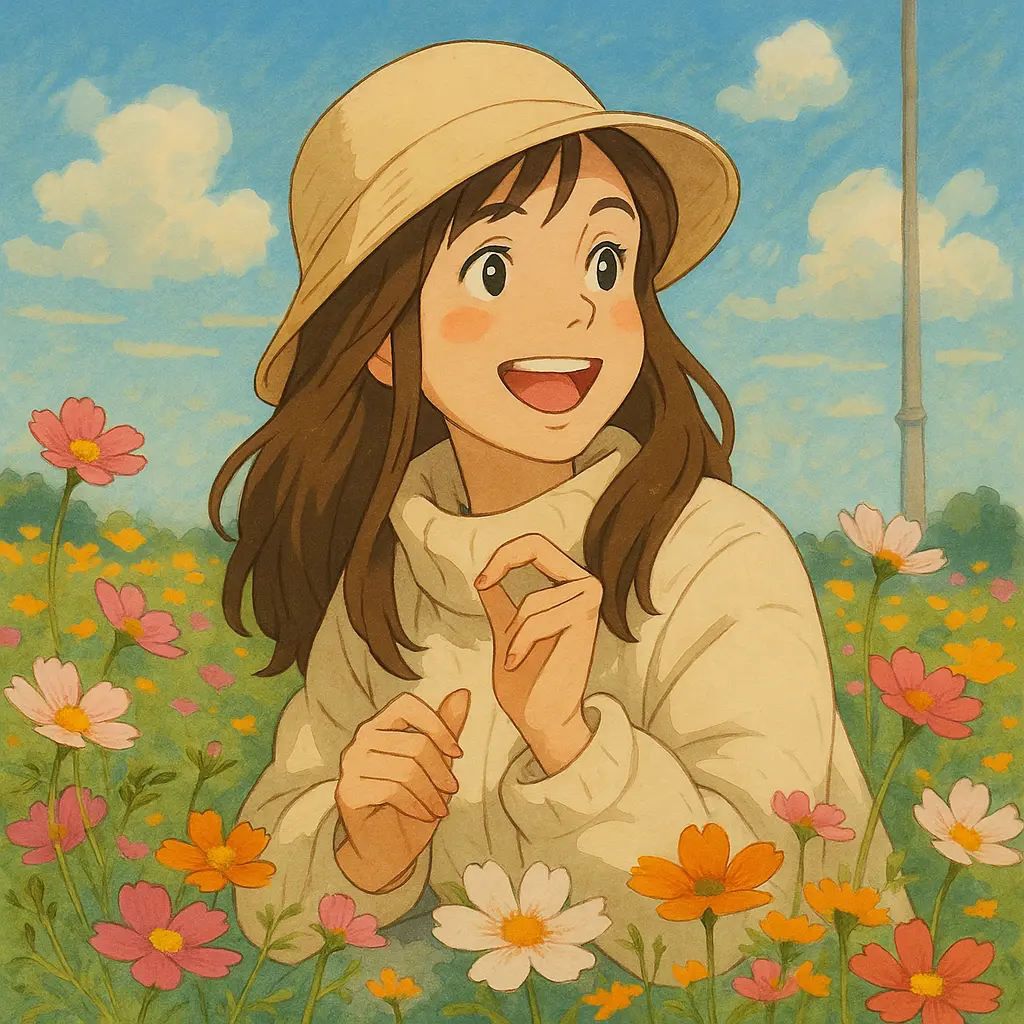
Review moss image AI anime generator results beyond the first impression
A strong color palette can hide structural problems. Inspect the moss image AI anime generator result at a comfortable viewing size, then look closely at anatomy, objects, perspective, and the relationships between them.
Check anatomy and construction
Inspect fingers, elbows, eyes, and the way clothes connect around the body. The moss image AI anime generator may produce convincing texture around an implausible shape.
- Check whether the pose remains understandable without the background.
- Reject moss image AI anime generator candidates with unresolved anatomy or merged accessories.
Check the environment's logic
Follow railings, window frames, steps, and horizon lines through the image. Ask whether the character could stand or sit in that space. A simpler moss image AI anime generator scene may be more convincing than an elaborate environment with contradictory perspective.
Check character continuity
When exploring several scenes, compare hairstyle, clothing, proportions, and signature objects. Reusing a description in the moss image AI anime generator does not guarantee an identical character.
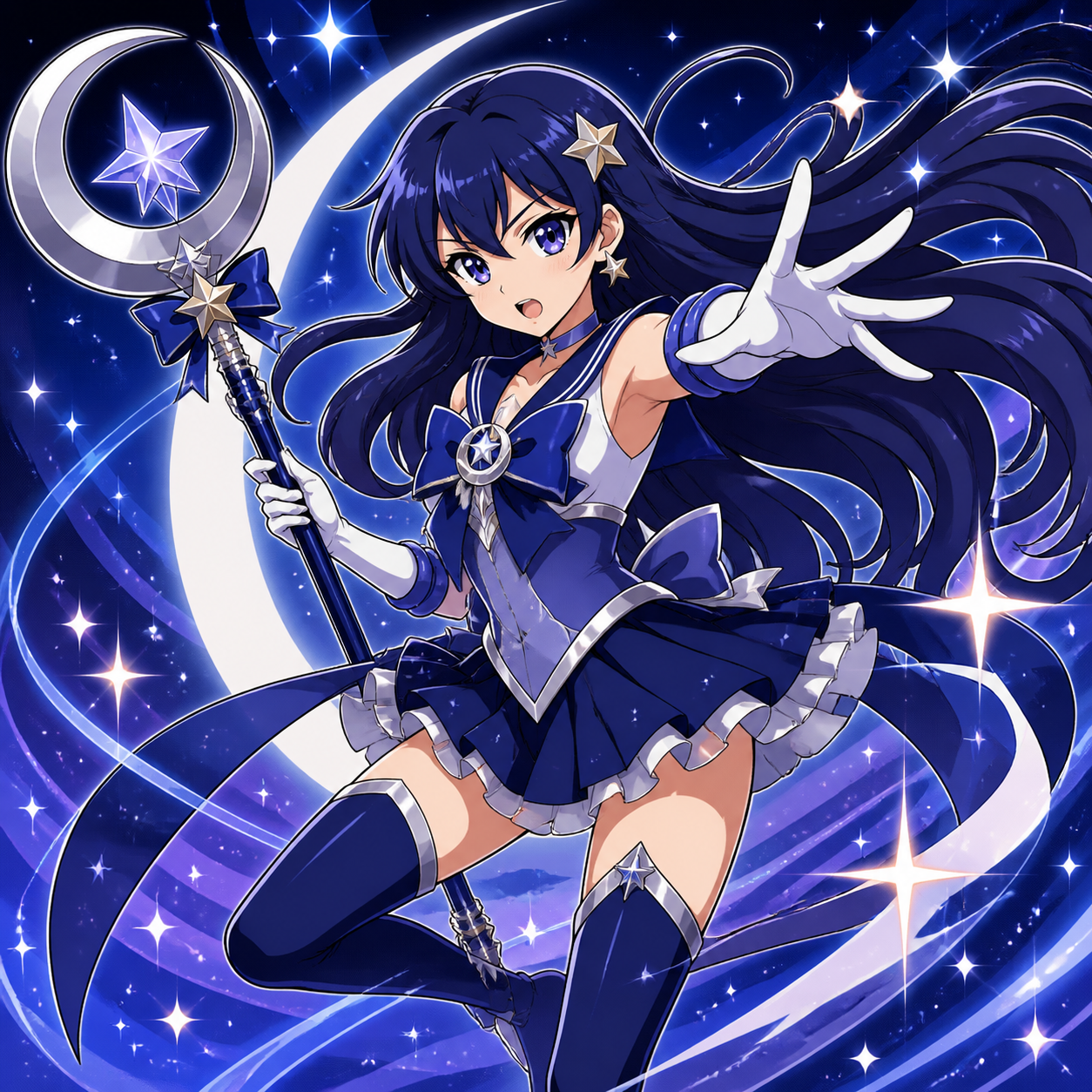
Develop a visual direction with the moss image AI anime generator
Keep the useful decisions from each experiment. The moss image AI anime generator can support concept exploration, but choosing a final character, preparing assets, and checking publishing requirements remain separate creative responsibilities.
Prepare concepts for their destination
An avatar needs a readable face, while a story illustration needs space for action and setting. Brief the moss image AI anime generator for the destination you actually have.
- Keep important facial features away from tight crop boundaries.
- Use moss image AI anime generator concepts as illustrations, not proof of an animated production.
Keep text separately editable
For covers, posters, and social graphics, consider adding final titles in your design workflow. Ask the moss image AI anime generator for intentional empty space instead of embedding every caption.
Record the decisions that worked
Save the brief, preferred image, palette notes, and details that define the character in your own project records. Returning to those decisions gives the moss image AI anime generator a clearer next task than trying to reconstruct an appealing result from memory.
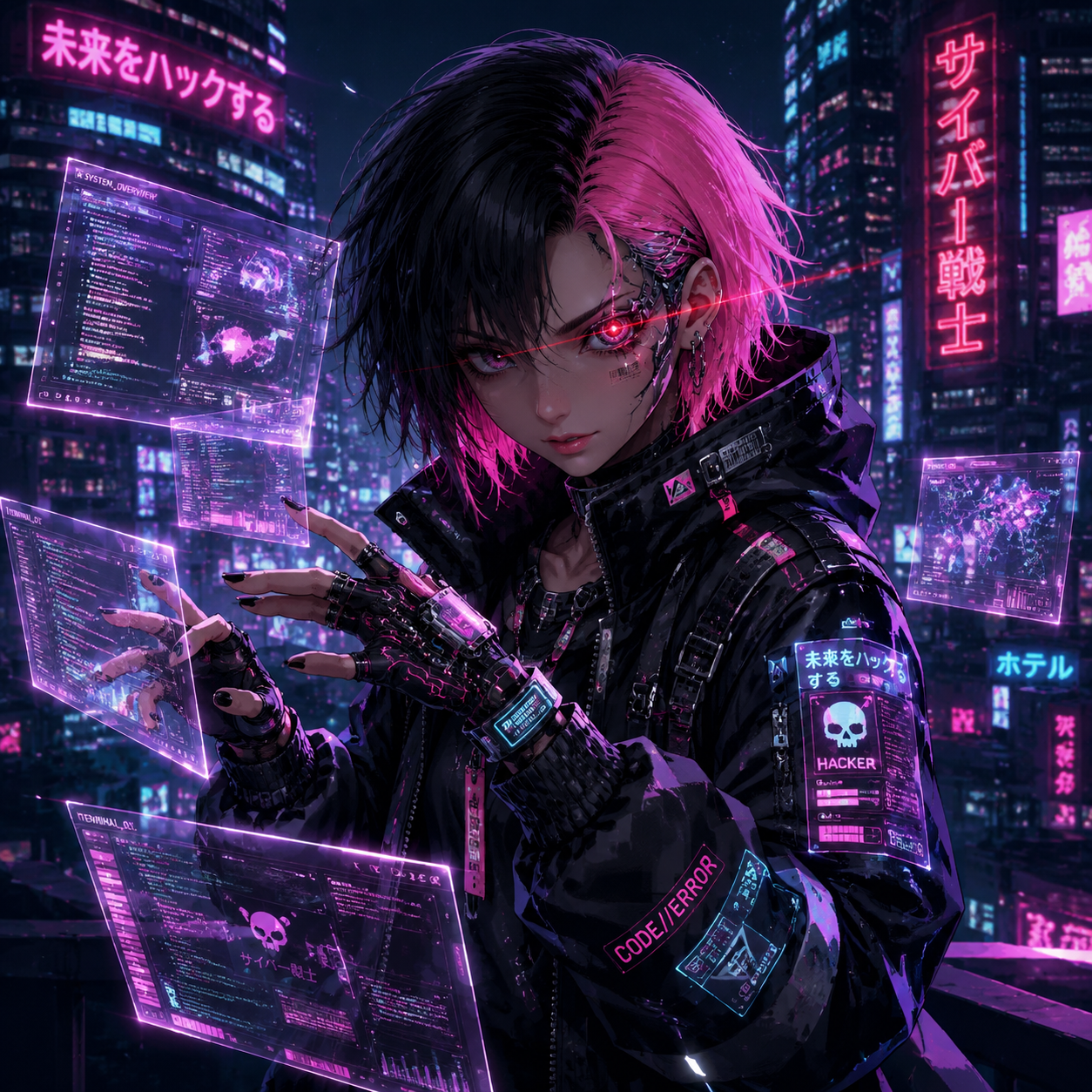
Example prompts
The rooftop weather researcher
Create an original anime illustration of an adult weather researcher on an observatory balcony above a coastal town. Short windswept dark hair, a slate field jacket, a coral scarf, and a brass handheld weather instrument. Calm, curious expression, waist-up framing, clearly drawn hands. Warm sunset rim light, a quieter cool foreground, distant clouds, and layered atmospheric depth. Clean linework with restrained cel shading and a softly painted environment. Portrait composition, no text, logos, or recognizable franchise elements.
The greenhouse instrument maker
An original adult anime character repairs a small wooden musical instrument at a greenhouse workbench. Rolled sleeves, round glasses, a simple apron, and a focused but gentle expression. Show the character from the waist up with a readable silhouette, clear hands, and only a few organized tools. Soft overcast daylight through the glass roof, muted botanical greens, warm wood, and one amber accent. Detailed but quiet environment, clean expressive linework, portrait framing, no captions or brand marks.
User reviews
moss image video creator feedback.
moss image creator reviews

I made a full character PV for my game with moss image MiniMax H3 in one afternoon. The menu UI stayed readable in every frame and the character never went off-model. That used to cost me a contractor and three weeks.

We tested every moss image AI video generator on the market for stylized work. H3 is the only one that held our anime style across cuts. We now use it for pitch reels and animatics on every project.

I uploaded four product photos and got a listing video with music and a voiceover the same day. My click-through rate on the new listings is up 38%. H3 even got the label text on my packaging right.

I ship five vertical videos a week for three brands. moss image MiniMax H3 gets me from brief to draft in under an hour, with sound already synced. My old workflow needed a videographer and two review rounds.

The editing side is what sold me. A client wanted the background of an interview changed — I typed one sentence into moss image MiniMax H3 and the lighting on the subject matched the new scene automatically.

I previsualized my entire short film in moss image MiniMax H3 before we shot a single frame. Rack focus, match cuts, even the title cards — it understands director language, not just keywords.
Moss Image Pricing and Credit Plans
Cancel anytime
Lite
50% off0.025 / credit
Billed $ yearly179· Save $179.8
Video Models



Image Models


- Includes Moss Image SFT and all premium models
- Up to 1 batch generation task
- Standard generation speed
- Standard generation success rate
- Standard customer support
- Commercial Use License
Standard
50% off0.017 / credit
Billed $ yearly299· Save $299.8
Video Models
Image Models
- Includes Moss Image SFT and all premium models
- Up to 4 batch generation tasks
- Priority processing speed
- High generation success rate
- Priority customer support
- Commercial Use License
Pro
50% off0.014 / credit
Billed $ yearly599· Save $599.8
Video Models
Image Models
- Includes Moss Image SFT and all premium models
- Up to 10 batch generation tasks
- Fastest generation speed
- High generation success rate
- Dedicated account manager
- Commercial Use License
Max
50% off0.012 / credit
Billed $ yearly1,199· Save $1,199.8
Video Models
Image Models
- Includes Moss Image SFT and all premium models
- Up to 10 batch generation tasks
- Fastest generation speed
- High generation success rate
- Dedicated account manager
- Commercial Use License
Pay safely and securely with



















FAQ
Frequently asked questions
Does the moss image AI anime generator need an uploaded image?
No uploaded image is required for this text-based workflow. Describe your concept in the moss image AI anime generator using ordinary language. Drawing knowledge can help you evaluate composition and anatomy, but you can begin with a character, an action, a setting, and a lighting direction.
Which model powers the moss image AI anime generator?
This page uses GPT Image 2, not a separately claimed anime-specific model. The moss image AI anime generator is a task-focused way to create anime-inspired concepts through text prompts. Describe the linework, shading, proportions, and background treatment you want rather than assuming one fixed house style.
Will the moss image AI anime generator keep my character identical?
Character consistency is not guaranteed. The moss image AI anime generator may change facial proportions, costumes, or accessories between requests. Keep a concise character brief and compare each result with your preferred design. moss image also supports reference image editing, but that does not establish perfect continuity either.
Can I make a landscape illustration instead?
Yes. Although this workflow begins at 3:4, GPT Image 2 supports multiple aspect ratios. Choose a ratio suited to the scene in the moss image AI anime generator, then revise the framing instructions accordingly. Confirm the resolution, output count, and displayed credits before submitting the new configuration.
Can I publish or sell the resulting artwork?
Review the applicable terms and the rights involved in your intended use. The moss image AI anime generator does not provide blanket permission for protected characters, logos, or other third-party material. Original subject matter is a sensible starting point, but it is not an automatic guarantee of commercial clearance.
CTA
Bring your next character to the moss image AI anime generator
Choose a role, a setting, and one visual idea worth exploring. Open the moss image AI anime generator, review your configuration, and turn that brief into a first concept you can inspect and refine.
Start an original anime concept